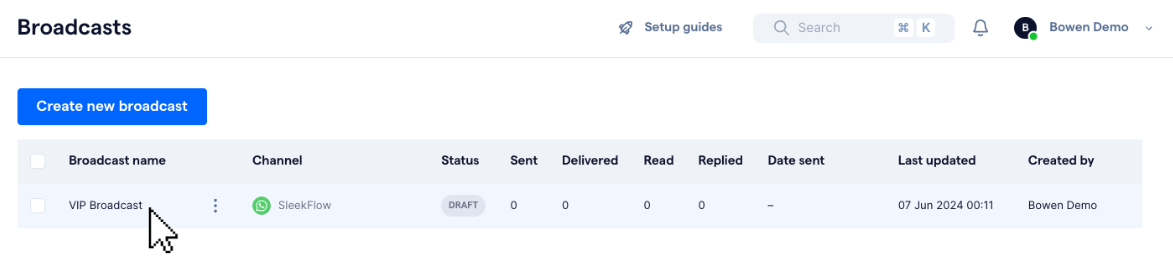
You can only edit and make changes to broadcast campaigns that are in "Draft", "Scheduled", or "Paused" status. To edit a broadcast:
- Click on the broadcast in the table on the "Broadcasts" main page to access its settings page
- Make the desired edits to the selected broadcast in the settings page. Click here for more information on how to configure broadcast settings.
- Save the broadcast as a draft to keep any changes made, or review and publish it to send the broadcast to the selected audience